I have been diving for over 15 years. From teaching beginners in the warm waters of Thailand to exploring dark, flooded mines in Europe and navigating the cold lakes of the continent, I have used almost every piece of gear imaginable. And if there is one lesson I have learned, it is this: technology should save your life, not complicate it.
When you are a beginner, buying your first dive computer is a big moment. It is the first piece of “life support” equipment you own. But the market is confusing. You have watches that sync to your phone, screens that look like iPhones, and prices ranging from $200 to $1,500.
So, do you need the Ferrari of dive computers? No. In fact, starting with a complex computer can be dangerous.
Here is my honest, experience-based guide to choosing your first dive computer. I am not selling you the most expensive model; I am recommending what will keep you safe.
Why Rental Computers Are a Bad Idea
Many new divers think: “I’ll just rent one until I get better.” I strongly advise against this.
A dive computer tracks your nitrogen absorption. It is personal. When you rent a computer, you are often handed a device you have never seen before, 5 minutes before you jump in the water. You don’t know how to navigate the menu. You don’t know if the previous user messed with the settings (like setting it to a more conservative algorithm or a different gas mix).
In my years of teaching, I have seen students panic underwater because their rental computer started beeping and they didn’t know why. Owning your own computer means you know exactly what the beeps mean. It is about peace of mind.
The 3 Features You ACTUALLY Need (Ignore the Rest)
Marketing brochures will list 50 features. As a beginner, you only care about three.
1. Readability (The “Dark Mine” Test)
I have dived in flooded mines where the water is pitch black. I have dived in muddy quarries, and caves in Europe. In those conditions, a tiny screen with small numbers is useless.
You need big, blocky digits. When you are stressed or checking your air at 20 meters, you shouldn’t have to squint. If you can’t read your depth and No-Decompression Limit (NDL) in a split second, the computer is trash.
2. Single Button (or Simple Menu)
Underwater, your brain works slower (nitrogen narcosis is real). Navigating a complex 4-button menu to find your safety stop timer is a recipe for frustration. The best beginner computers usually have one or two buttons. Press to scroll, hold to select. Simple.
3. Nitrox Mode
This is the only “future-proof” feature you need right now. Even if you are an Open Water diver, you will likely do your Nitrox course soon (especially if you come diving with us at Caño Island). Ensure your computer allows you to set oxygen percentage up to 40%.
Wrist vs. Console: The Eternal Debate
Should you wear it on your wrist or have it attached to your regulator gauge (console)?
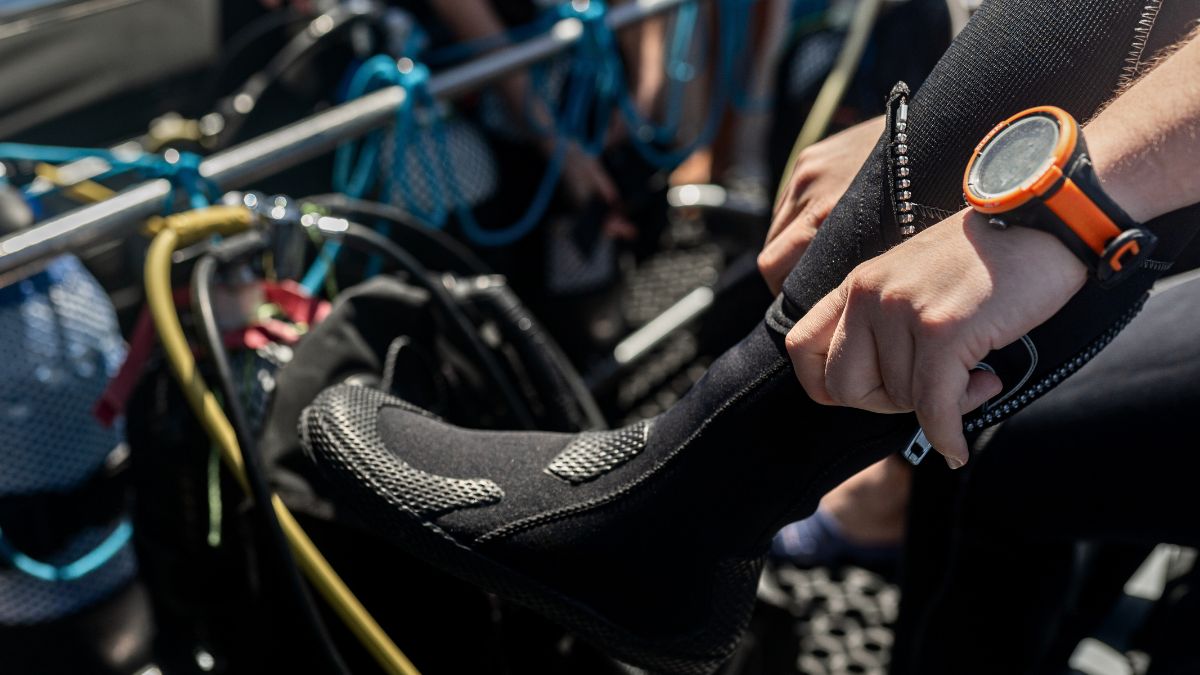
My Verdict: Wrist. Always.
Why? Streamlining. A console is bulky and often drags on the reef if you are not careful. A wrist computer is always in your field of vision. When I am ascending, I want to watch my computer and my buddy at the same time. Lifting my wrist is natural; hunting for a console clipped to my BCD is not.
My Top 3 Recommendations (The Workhorses)
I have no affiliation with these brands. These are simply the units I trust and have seen survive thousands of dives.
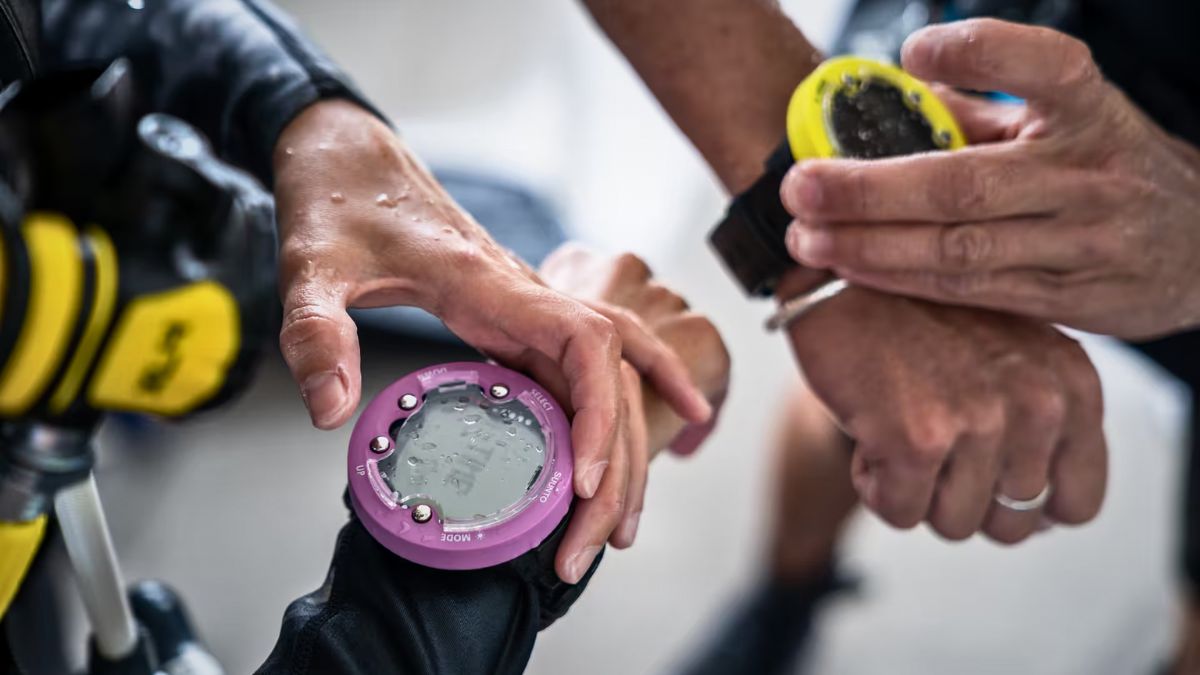
1. Suunto Zoop Novo (The Tank)
This is the AK-47 of dive computers. It is big, it is ugly, and it is indestructible. I have seen rental Zoops that have been abused for 10 years and still work perfectly.
- Pros: Huge display, very intuitive menu, glows in the dark (phosphorescent)
- Cons: It looks like a hockey puck. You won’t wear it to dinner.
2. Mares Puck Pro (The Budget King)
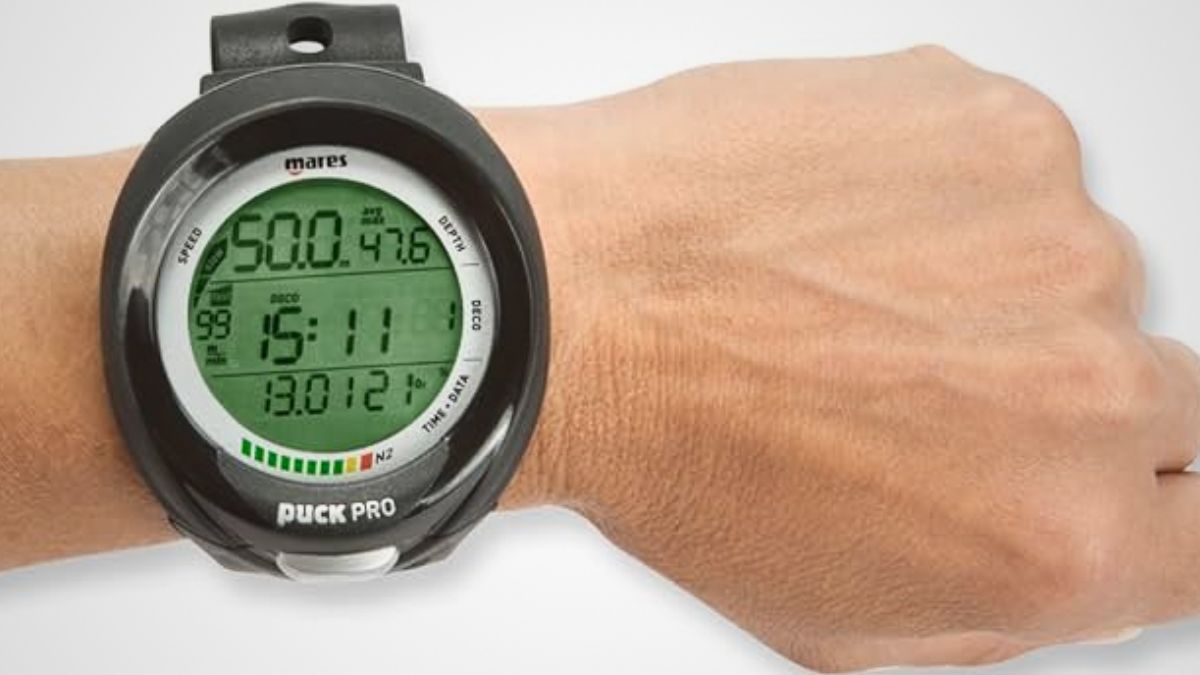
If you want to save money for more diving, get this. It does exactly what the $1,000 computers do: it calculates your NDL safely. It has a single button which makes it impossible to get lost in the menu.
- Pros: Cheap, reliable, replaceable battery
- Cons: The single button interface can be annoying when setting the date/time on the surface.
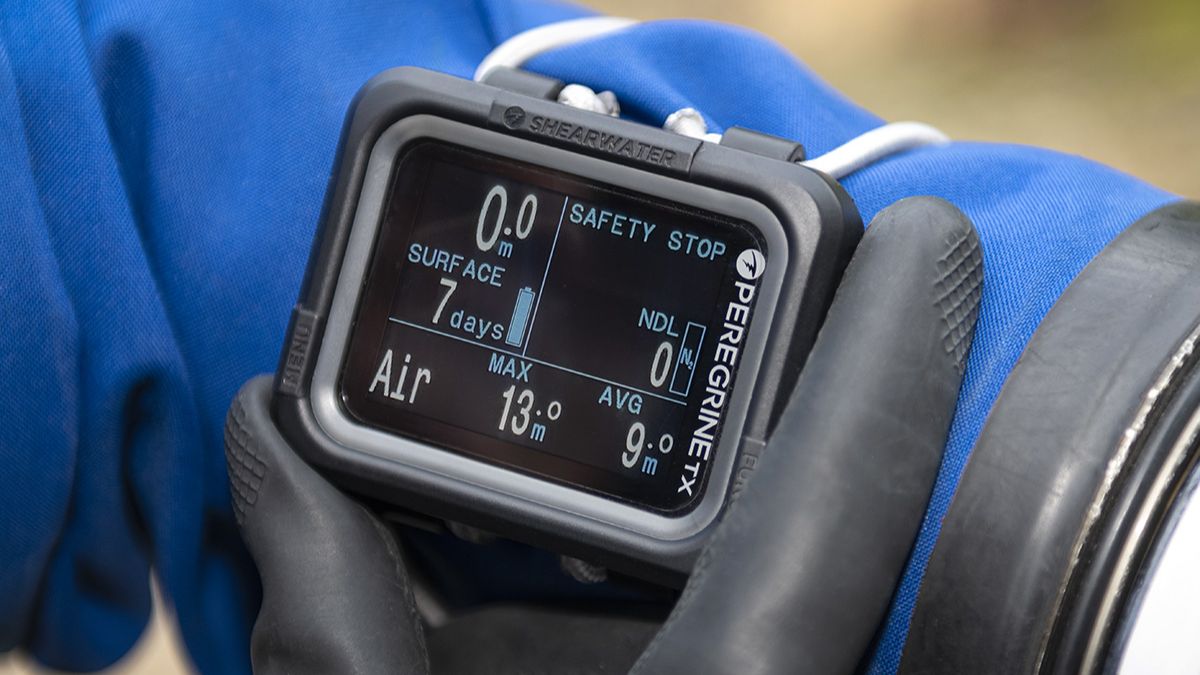
3. Shearwater Peregrine (The “Buy Once, Cry Once”)
If you have a higher budget and know you will love diving, skip the beginner stuff and get a Shearwater Peregrine. Shearwater is the gold standard for technical divers (I use their Perdix model for cave diving). The Peregrine is their recreational version.
- Pros: Stunning color screen (readable in any darkness), customizable vibration alerts, wireless charging.
- Cons: Expensive compared to the others.
Features You Do NOT Need Yet (Don’t Overspend)
Save your money. As a beginner, you do not need:
- Air Integration (Transmitter): This displays your tank pressure on your wrist. It is cool, but it adds a point of failure (connection loss). Learn to use a standard pressure gauge (SPG) first. It never runs out of battery.
- Digital Compass: Nice to have, but usually clunky on cheap screens. Learn to use a real, analog compass. It teaches you better navigation skills.
- Multi-Gas Switching: Unless you are planning to do technical decompression diving soon (which takes years of training), you don’t need a computer that handles 5 different gases.
Comparison Table: Beginner Dive Computers
Here is how the top contenders stack up.
| Model | Approx. Price | Screen Type | Best For |
|---|---|---|---|
| Mares Puck Pro | $200 – $250 | Segmented LCD | Absolute Budget |
| Suunto Zoop Novo | $280 – $320 | Matrix Display (Large) | Durability & Rental |
| Shearwater Peregrine | $500+ | Full Color LED | Long-term Investment |
| Garmin Descent G1 | $550+ | High-res Monochrome | Fitness & Diving Hybrid |
Frequently Asked Questions
Should I buy a used dive computer?
I generally advise against it unless you know the seller. You don’t know if the depth sensor has been damaged or if the battery compartment has flooded. A computer is life-support equipment; buying new gives you a warranty and certainty.
How long do the batteries last?
Models like the Suunto Zoop or Mares Puck use user-replaceable coin batteries (CR2450) that last for 1-2 years of diving. The Shearwater Peregrine has a rechargeable battery that lasts about 30 hours of dive time per charge.
Can I wear these as a daily watch?
The “Puck” style computers (Zoop, Mares) are too big for daily wear. If you want a “watch-style” computer that you can wear to the office, look at the Garmin Descent G1 or the Suunto D5, but be prepared to pay a premium for the form factor.
Do I still need tables if I have a computer?
You should understand the theory behind tables (which you learn in your Open Water course), but in practice, nobody uses plastic tables on a recreational dive anymore. Your computer calculates your nitrogen loading in real-time, which is much more accurate and gives you more bottom time.
Summary: Keep It Simple
Don’t get distracted by bluetooth connectivity or color maps. Your first computer has one job: to tell you how long you can stay underwater without getting bent.
My advice? Buy a simple, rugged unit like the Suunto Zoop or Mares Puck. Spend the money you saved on diving more. Experience makes you a better diver, not fancy gear.
Sources and References
- DAN (Divers Alert Network) – Articles on decompression theory and computer safety.
- Shearwater Research – Deep dive into decompression algorithms (Bühlmann ZHL-16C).
- ScubaLab Reviews – Independent testing and head-to-head comparisons of dive computers.